Every business has daily activities that need to be completed by different employees. Managers assign work, employees complete their responsibilities, and teams coordinate to achieve business goals.
However, when tasks are managed through WhatsApp messages, phone calls, emails and spreadsheets, it becomes difficult to understand the actual progress of work.
For example, a manager may assign 15 tasks to five employees. After a few days, the manager may not know which tasks are completed, which are pending and which employees need support.
Important work can get delayed because task ownership, deadlines and progress updates are not maintained properly.
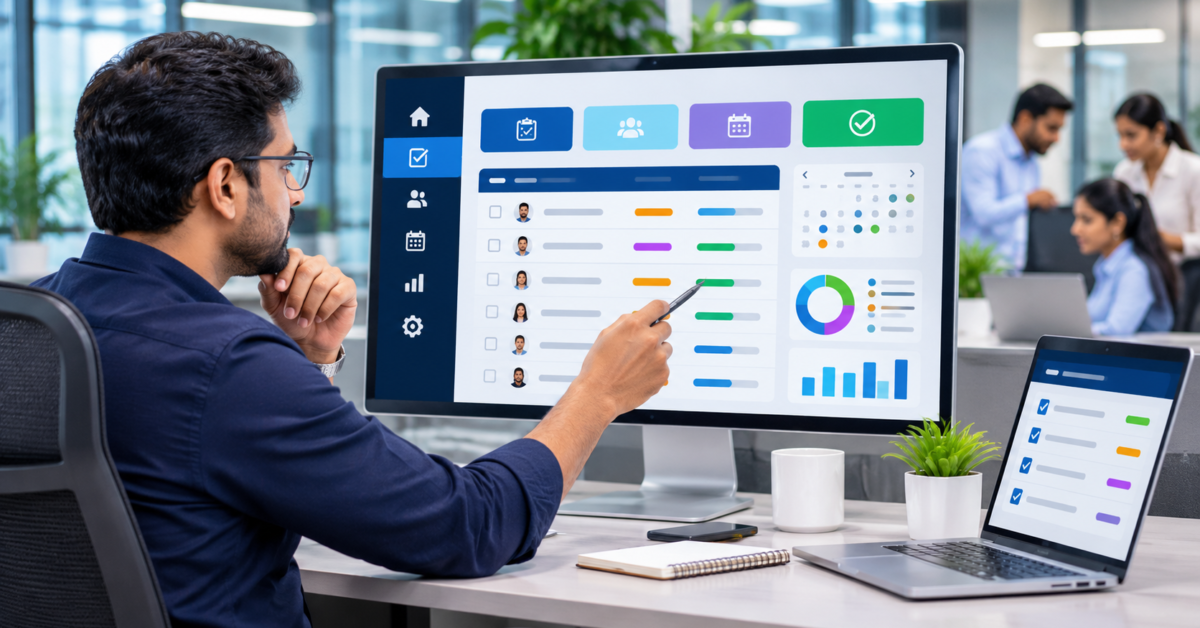
A centralised employee task management system helps businesses create tasks, assign responsibilities, set deadlines, track progress and monitor team activities from one application.
Why Do Businesses Struggle with Employee Task Management?
As the number of employees and daily activities increases, managing work manually becomes more complicated.
Here are some common problems businesses face.
1. Employees Forget Assigned Tasks
Managers may assign tasks during meetings, phone calls or WhatsApp conversations.
Employees may receive multiple instructions from different people. Important tasks can get missed when there is no centralised task list.
A task management application provides employees with a single place to view their assigned responsibilities.
2. Managers Cannot Easily Track Work Progress
Managers need to know whether assigned tasks are progressing as expected.
Without regular updates, they may need to contact each employee individually to understand the current situation.
A centralised dashboard can show:
- Total assigned tasks.
- Tasks not yet started.
- Tasks currently in progress.
- Completed tasks.
- Overdue tasks.
- Tasks awaiting review.
This gives managers a clearer view of ongoing work.
3. Task Ownership Is Not Clear
Sometimes multiple employees are involved in the same activity.
If responsibility is not clearly assigned, employees may assume someone else is handling the task.
A task management system can assign a primary responsible employee and, where required, additional team members.
This makes ownership and accountability clearer.
4. Deadlines Are Missed
Some tasks have strict completion dates. Others depend on earlier activities being completed.
When deadlines are maintained in separate spreadsheets or messages, employees may forget important due dates.
A task management application can display upcoming deadlines and highlight overdue tasks.
5. Work Instructions Are Scattered
Employees often receive task instructions through different communication channels.
For example, a manager may share requirements through email, send a document through WhatsApp and provide additional instructions during a meeting.
When all these details are not connected to the task, employees may work with incomplete information.
A centralised system can store descriptions, attachments, comments and progress updates against each task.
How Does an Employee Task Management System Work?
A task management system connects the entire work assignment process, from task creation to completion.
Step 1: Create a Task
A manager or authorised employee creates a task with the required information.
A task record can include:
- Task title.
- Detailed description.
- Project or department.
- Priority level.
- Assigned employee.
- Start date.
- Due date.
- Supporting documents.
- Expected outcome.
For example, a task might be:
Task: Prepare the monthly sales report.
Assigned to: Sales Executive.
Priority: High.
Due date: 5 November.
Description: Prepare the monthly sales summary and submit it for manager review.
Step 2: Assign Tasks to Employees
Once the task is created, the manager assigns it to the responsible employee.
The employee can view the task in their personal task dashboard.
Depending on the business requirements, the system can support:
- Individual task assignments.
- Multiple team members.
- Department-wise assignments.
- Task reassignment.
- Manager or reviewer assignment.
This helps employees understand their responsibilities.
Step 3: Set Priorities and Deadlines
Not every task has the same importance.
A task management system can support priority levels such as:
- Low.
- Normal.
- High.
- Urgent.
Managers can also define start dates and due dates.
This helps employees identify which activities require immediate attention.
Step 4: Update Task Progress
Employees update their task status as work progresses.
Common task statuses include:
- To Do.
- In Progress.
- On Hold.
- Completed.
- Under Review.
- Reopened.
The exact statuses can be configured according to the organisation’s workflow.
Managers can review these updates without repeatedly asking employees for progress information.
Step 5: Add Comments and Attachments
Some tasks require supporting information, documents or approval from another employee.
The system can allow employees to:
- Add task comments.
- Upload documents.
- Share reference files.
- Mention relevant team members.
- Record progress notes.
- Maintain activity history.
This keeps task-related information connected to the relevant work item.
Step 6: Send Task Notifications and Reminders
Employees should receive notifications when important task-related events occur.
For example:
- A new task is assigned.
- A task deadline is approaching.
- A task is reassigned.
- A manager adds a comment.
- A task is marked overdue.
- A completed task requires review.
Notification methods can include in-app alerts or email, depending on the application requirements.
Step 7: Review and Complete Tasks
For tasks requiring approval, employees can submit completed work for review.
The manager or reviewer can:
- Approve the task.
- Request corrections.
- Add review comments.
- Reopen the task.
- Mark it as completed.
This creates a clear process for tasks that require verification before closure.
Important Features of Task Management Software
A custom employee task management application can include the following features.
Centralised Task Creation
Create and manage all employee tasks in one place with descriptions, priorities, dates and attachments.
Employee Task Assignment
Assign work to individual employees, teams or departments with clearly defined responsibilities.
Deadline and Reminder Management
Set task due dates and configure reminders for upcoming and overdue activities.
Task Status Tracking
Monitor task progress using status-based views and dashboards.
Priority Management
Identify urgent and important activities through configurable priority levels.
Comments and File Attachments
Keep discussions, instructions and supporting documents connected to each task.
Task Approval Workflow
Allow managers to review completed work and approve or request corrections.
Employee Dashboard
Give employees a personal view of assigned tasks, upcoming deadlines and completed activities.
Manager Dashboard
Help managers review team activities, pending work, overdue tasks and overall task distribution.
Task History and Audit Trail
Maintain a record of task creation, assignments, status changes, comments and completion updates.
Reports and Analytics
Generate reports such as:
- Employee-wise task report.
- Department-wise task report.
- Pending task report.
- Overdue task report.
- Completed task report.
- Priority-wise task report.
- Task completion history.
Excel and WhatsApp vs Task Management Software
| Activity | Manual Process | Task Management System |
|---|---|---|
| Task creation | Messages or spreadsheets | Centralised task records |
| Task assignment | Manual communication | Direct employee assignment |
| Deadline tracking | Manual checking | Due-date tracking |
| Progress updates | Follow-up messages | Status-based updates |
| Task ownership | Sometimes unclear | Assigned responsibility |
| File management | Separate folders | Task-linked attachments |
| Approval | Messages or emails | Review workflow |
| Reports | Manual preparation | System-generated reports |
WhatsApp and Excel may be sufficient for small teams with simple requirements. However, when multiple departments and employees handle many tasks, a dedicated system can provide better visibility and organisation.
Which Businesses Can Use Employee Task Management Software?
A task management system can support different types of organisations.
Manufacturing Businesses
Assign production-related activities, quality checks, maintenance tasks and internal follow-ups.
Construction Companies
Track site activities, employee assignments, project deadlines and pending work.
IT and Software Companies
Manage development tasks, bug fixes, testing activities, client requirements and delivery schedules.
Marketing Agencies
Assign content creation, campaign activities, design tasks and client deliverables.
Trading and Distribution Businesses
Track sales follow-ups, purchase activities, stock verification and delivery coordination.
Service Companies
Assign customer-related work, technician activities, inspections and service follow-ups.
Multi-Branch Businesses
Assign tasks to branch employees and monitor work progress across locations.
When Does Your Business Need a Custom Task Management System?
Consider developing a custom task management application if your business:
- Assigns multiple tasks to different employees every day.
- Frequently forgets important follow-ups.
- Struggles to identify overdue tasks.
- Uses WhatsApp or Excel to track employee work.
- Has difficulty monitoring employee task progress.
- Needs manager approval for completed activities.
- Operates across multiple departments or branches.
- Requires employee-wise and department-wise reports.
The right system should follow your existing business responsibilities, approval rules and reporting requirements.
How to Implement a Task Management System
Before developing the application, understand how work is currently assigned and completed in your organisation.
A practical implementation process includes:
- Identify departments and employee roles.
- Document the current task assignment process.
- Define task categories and priority levels.
- Establish task statuses and completion rules.
- Decide who can create, assign and reassign tasks.
- Define deadline and notification requirements.
- Plan review and approval workflows.
- Identify the reports managers need.
- Test task assignment, reassignment, overdue alerts and task closure.
Start with the essential task creation, assignment and tracking features. Additional workflows can be introduced as the business requirements grow.
Build Custom Task Management Software with Mitsify
Every organisation has a different way of assigning work and managing employee responsibilities.
A manufacturing company may need department-wise task assignments, while a service company may need technician allocation and customer-related work tracking.
Mitsify Web Development LLP provides custom web development and business application development services for organisations that need software tailored to their operational workflows.
A custom task management application can be designed to include:
- Employee and department management.
- Task creation and assignment.
- Priority and deadline management.
- Task progress tracking.
- Comments and document attachments.
- Notifications and reminders.
- Manager review and approval.
- Employee-wise dashboards.
- Reports and activity history.
- Multi-branch task management.
If your business is still managing employee work through WhatsApp messages, phone calls and spreadsheets, a custom web application can help bring task assignments and progress tracking into one place.
Looking for a custom employee task management system for your business?
Contact Mitsify to discuss your requirements.
Explore Custom Web Development Services
Frequently Asked Questions
1. What is an employee task management system?
An employee task management system is software that helps businesses create tasks, assign responsibilities, set deadlines, monitor progress and manage task completion.
2. Can managers assign tasks to individual employees?
Yes. Managers can create tasks and assign them to specific employees, teams or departments based on their roles and responsibilities.
3. Can employees update their task progress?
Yes. Employees can update task statuses, add comments, upload documents and submit completed work for review.
4. Can task management software send deadline reminders?
Yes. A custom application can send notifications for newly assigned tasks, approaching deadlines and overdue activities.
5. Can managers track overdue tasks?
Yes. Managers can use dashboards and reports to identify tasks that have passed their due dates and review their current status.
6. Can task management software support multiple departments?
Yes. A custom system can support department-wise task assignments, employee permissions and management dashboards.
7. Can Mitsify develop custom task management software?
Mitsify can develop custom web applications based on business requirements, including task assignment, employee dashboards, deadline tracking, notifications, approval workflows and reporting.